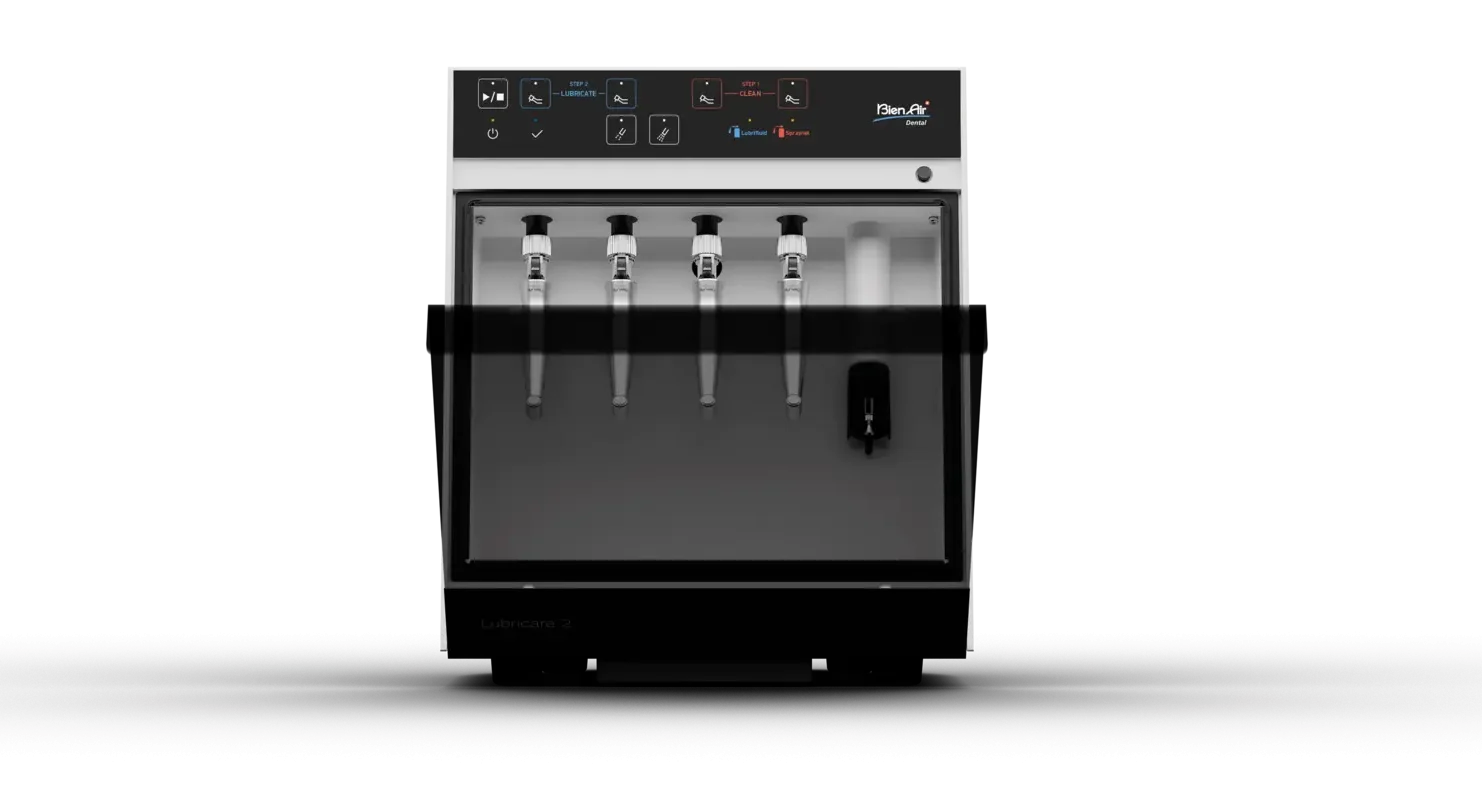

The Lubricare 2
Â
Welcome!
Below are multiple, short, and interactive resources that highlight the functionality of the Lubricare 2 system from Bien-Air. You can use the table of contents below to jump to a specific item, or you can scroll through. If you run into any issues, please email: [email protected]
• Overview Video • Break Even Calculator • How to Use • Other Helpful Resources •
Overview Video
Care meets Consistency
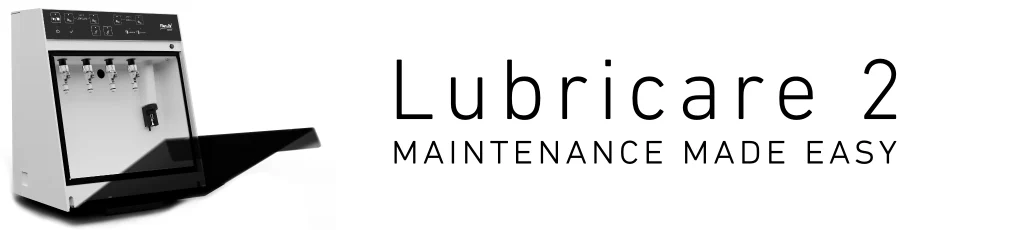
The Lubricare 2 takes all of the guesswork out of maintaining your air and/or electric instruments. It automatically cleans and lubricates with just the push of a button.
It’s easy to maintain and pays for itself in just a few months by extending the life of each spray can (Lubrifluid & Spraynet) up to 4x longer*.
Your instruments may not be able to thank you, but your staff will.Â
* = Based on the cost savings of the Lubrifluid and Spraynet cans and the number of instruments maintained on a weekly basis.
The Lubricare 2 Break-Even Calculator
Lubricare 2 Break-Even Calculator
It pays to read the fine print. The Lubricare 2 Break-Even Calculator is no different. Below we outline the major assumptions used to create this calculator:
• When using Spraynet and Lubricare manually, we estimate an average of 80 cycles (cycle = cleaning and lubricating one attachment). When using the Lubricare 2, we estimate an average of 320 cycles.
• Cost savings are based on the MSRP of the bottles of Spraynet and Lubrifluid on a five-day work week and a set average of 320 cycles.
• The time savings and psychological safety knowing your instruments are properly maintained is priceless, and therefore not figured into the equation.
How to Use
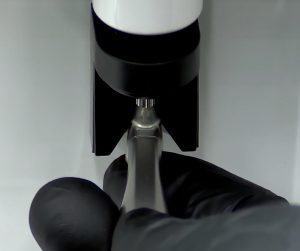
Chuck Lubricator
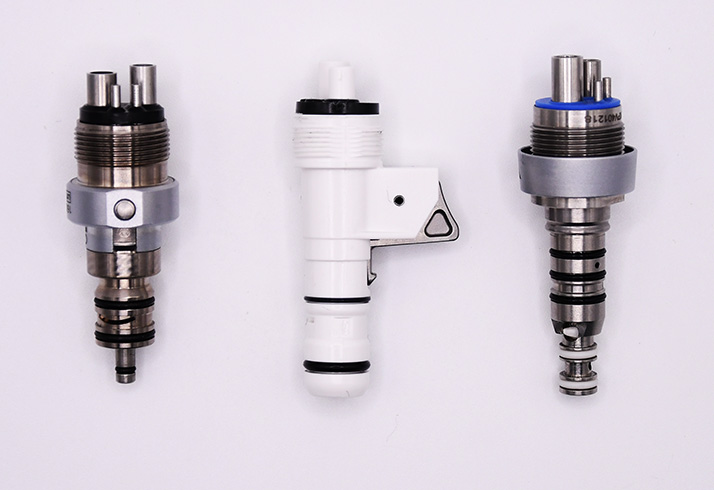
The chuck lubricator is a user-friendly feature that is recommended for speed increasing electric attachments and air-driven handpieces. Other Helpful Resources
Below, you’ll find helpful videos and a printable PDF that you can share with your staff.
Setting up the Lubricare 2
Replacing Spraynet & Lubrifluid Cans
Maintenance Modes
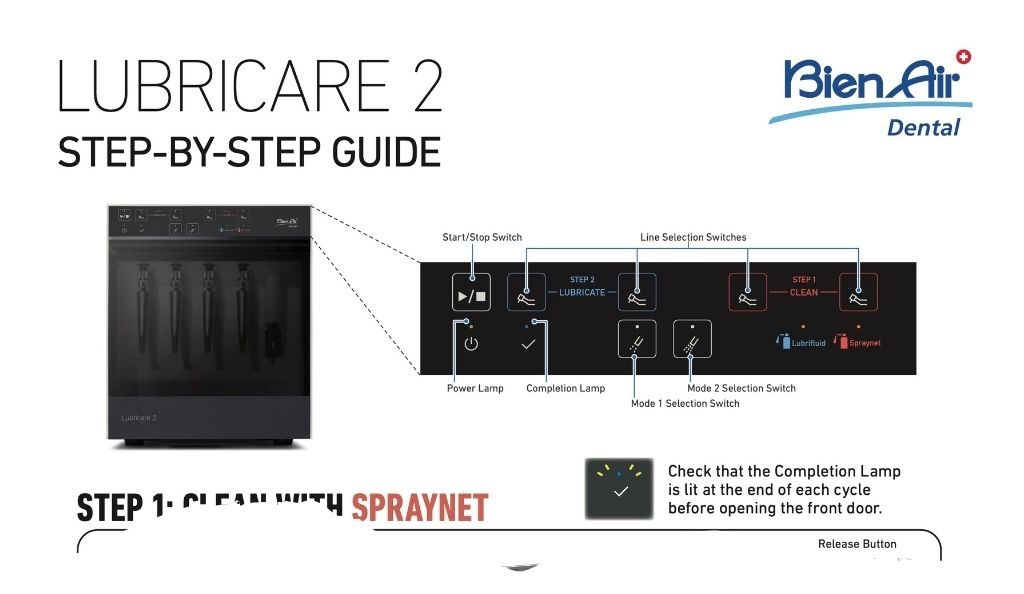
The Lubricare 2 Step-by-Step Guide (PDF) gives a brief explanation of how to use the Lubricare 2. This is a great resource to print and share with your staff. Just click on the image to download the pdf, or you can click the button below.
Need More Information?
The Lubricare 2 is an efficient, cost-saving tool that takes the guess work out of maintaining your instruments. If you'd like to learn more about the features and specifications, click the button below.
Learn MoreSchedule a Demo
You must log in and have started this course to submit a review.


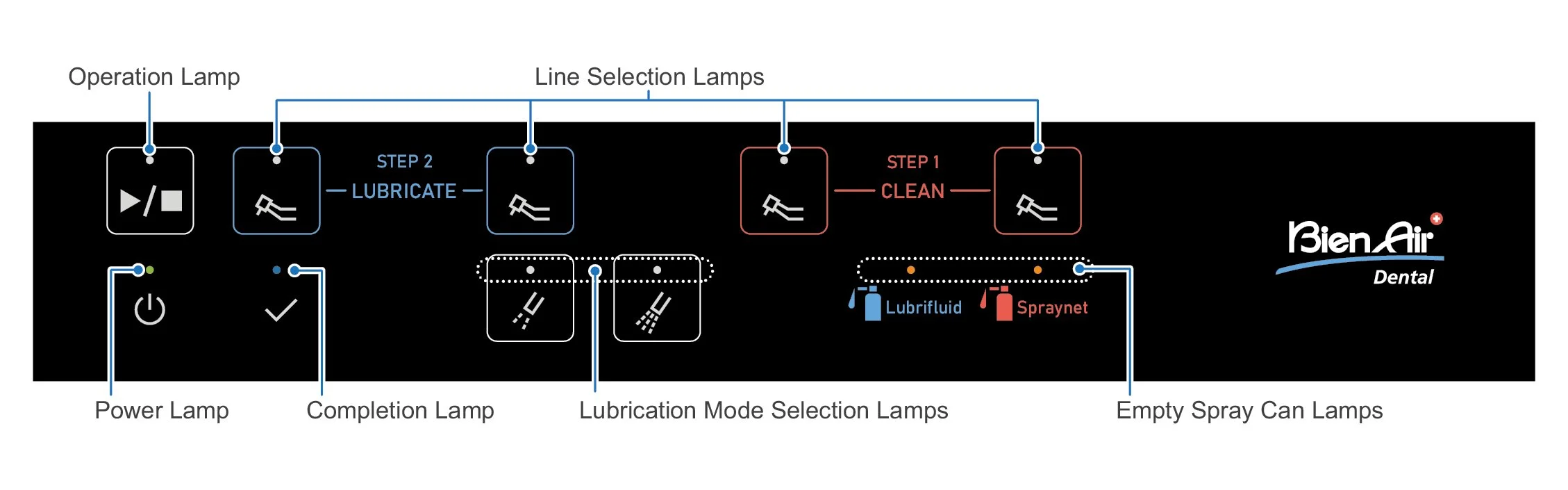
Play/Stop: Press this button to start or prematurely stop a cycle.
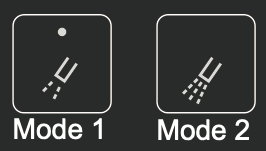
• Lubrication Mode Selection: Mode 1, by default, works great for all attachments.