
Wiring Diagram & Bracket Guide
Quick visual reference + full installation instructions
Bien-Air Installation Wiring Diagram
Review the detailed wiring diagram on the right for correct connections and bracket placement.
- ✓ Power supply and signal wiring
- ✓ Mounting bracket information
- ✓ Wiring diagrams for all models

Click the image to open the full PDF in a new tab • Right-click the image to save the diagram • Questions? call 1-800-433-2436

Midmark NGO Unit
Single Motor Installation
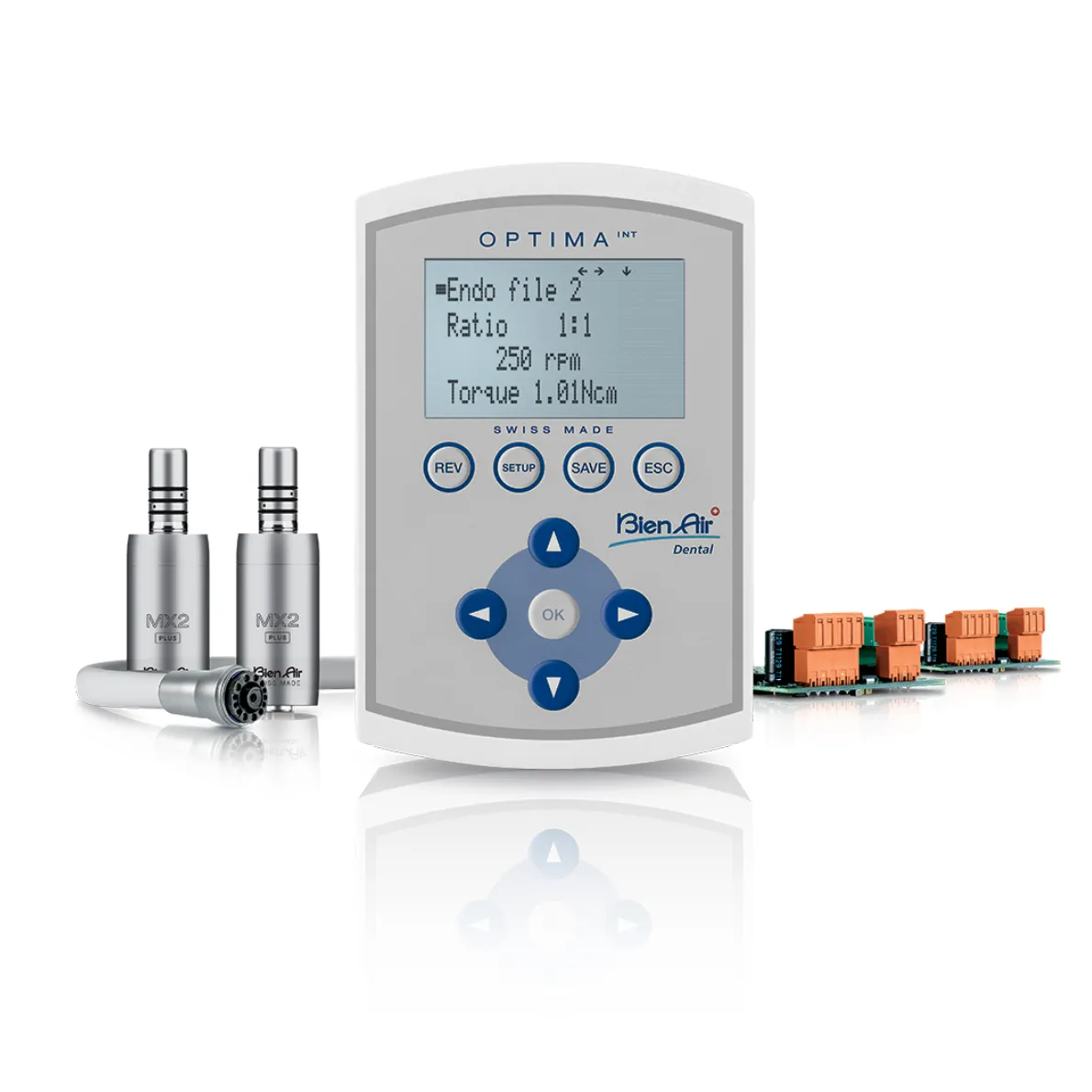
Midmark NGO Unit
Dual Motor Installation
Both open in new tab • No login needed
Currently, we have a short, instructional video on how to install the iOptimaINT. More videos are coming soon.
Manual Maintenance Contra Angles
This video shows you how to manually maintenance your Contra Angle attachments using the Spraynet and Lubrifluid.
Manual Maintenance Surgical Attachments
This video shows you how to manually maintenance your Contra Angle surgical attachments using the Spraynet, Lubrifluid and Aquarcare.
Manual Maintenance Air-Driven Handpieces
This video shows you how to properly maintain your air-driven handpieces using the Spraynet and Lubrifluid bottles from Bien-Air.
Properly Maintaining Surgical Cables
This video shows you how to properly disconnect, clean and maintain your surgical cable before sterilizing it.
Maintenance Using the Lubricare 2
This video shows you how easy it is to automatically maintain your air and electric attachments using the Lubricare 2.
Maintenance Modes on Lubricare 2
This video shows how and when to properly run the maintenance modes on the Lubricare 2 system from Bien-Air.
Maintenance Guide
Complete step-by-step instructions for maintaining contra angle attachments.
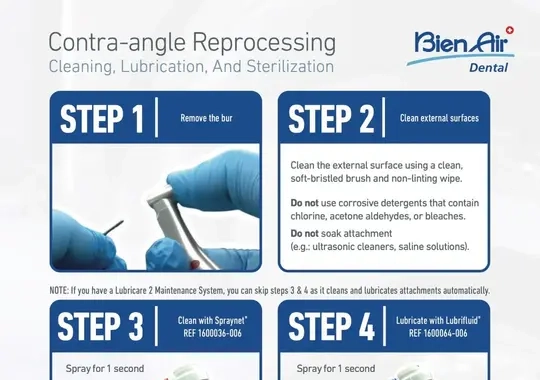
Preventative Maintenance
Helpful tips to keep your handpieces running like the precision instruments they were designed to be.
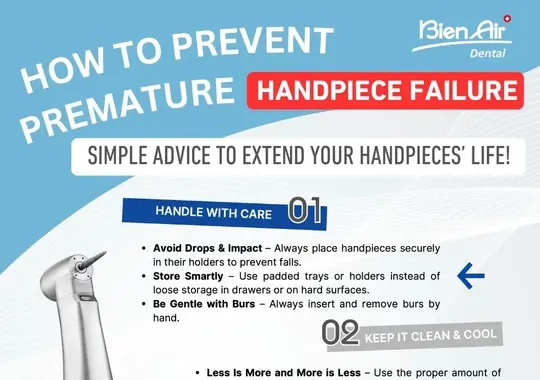
Under Construction – More Content Coming Soon!
Designed specifically for sterile techs at universities who are using Bien-Air motors and instruments, providing helpful tips for maintenance and sterilization.
Learn More
This course gives you step-by-step instructions for installing an OPTIMAᴵᴺᵀ, single motor system on a Midmark NGO unit. No registration required
View Course
This course gives you step-by-step instructions for installing an OPTIMAᴵᴺᵀ, dual motor system on a Midmark NGO unit. No registration required.
View Course
A simple, one-page course highlighting the major differences between the OPTIMAᴵᴺᵀ vs. the iOPTIMAᴵᴺᵀ. No registration required to take this course.
View Course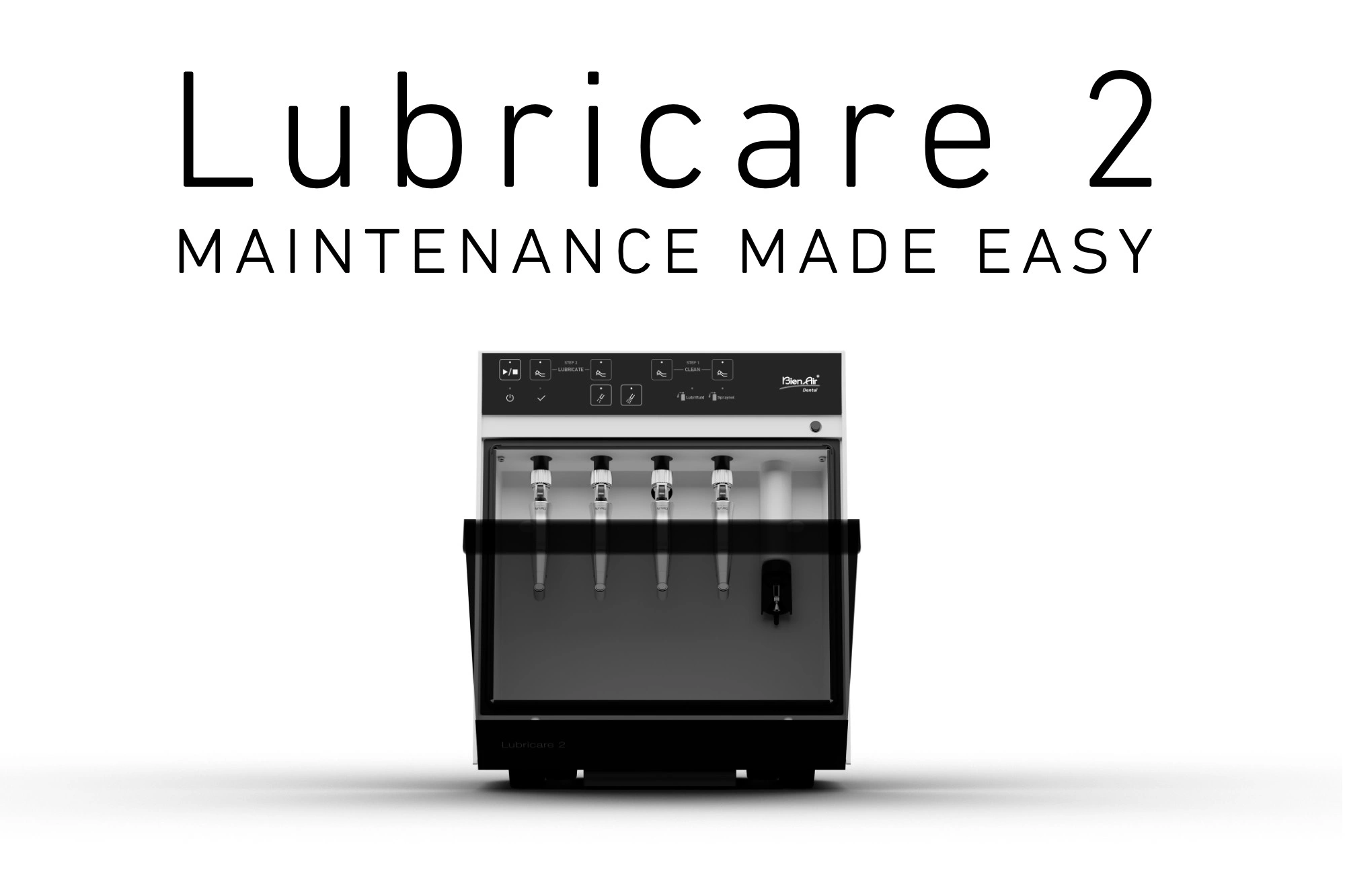
A simple, one-page course with all the information about the Lubricare 2. Short videos, interactive resources, and tips for using this product are available without having to register.
View Course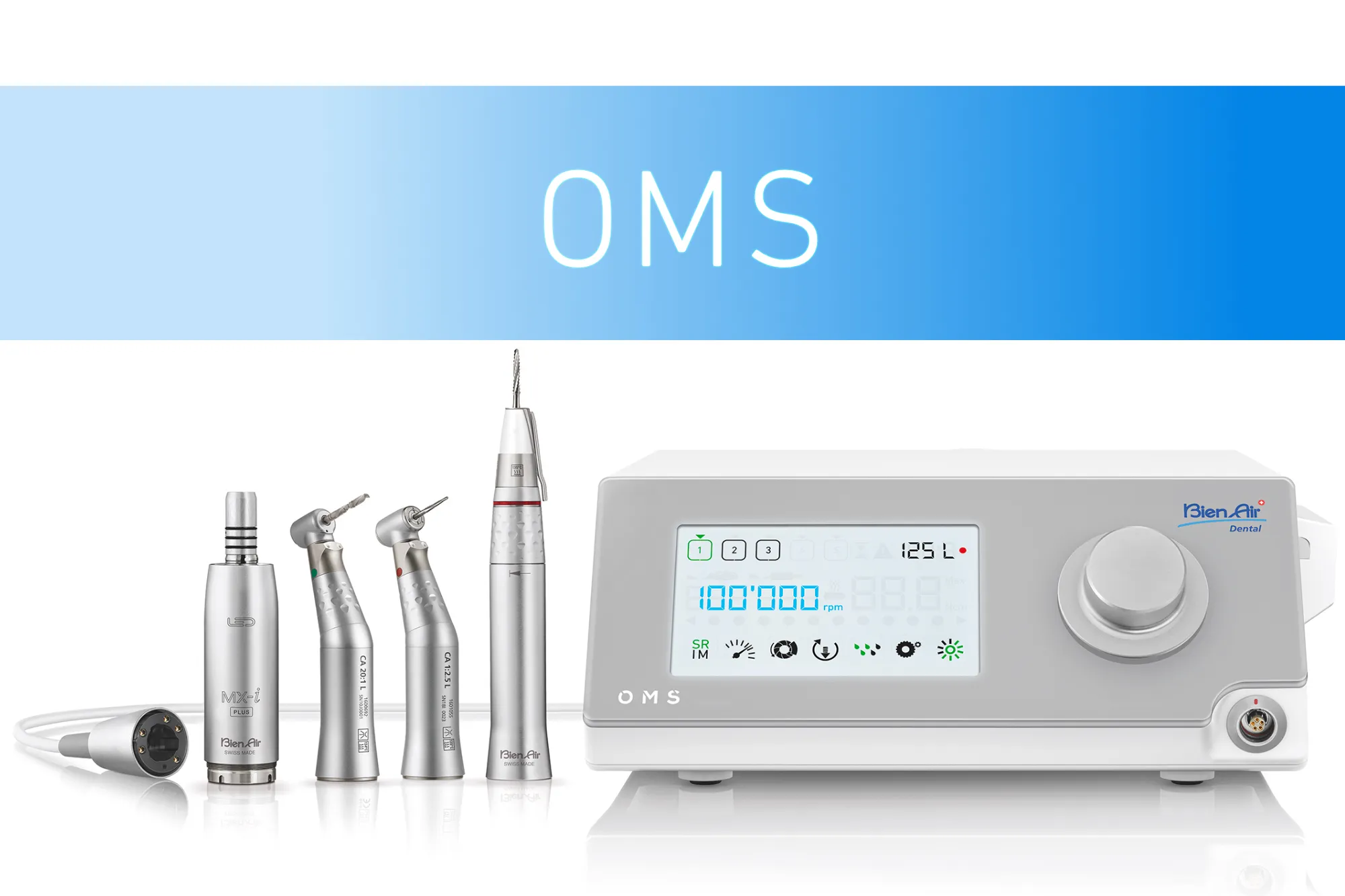
If you're looking to simplify surgery and implantology, the OMS is your solution. This simple, one-page course will showcase why OMS the preferred device of oral surgeons. No registration required.
View Course